
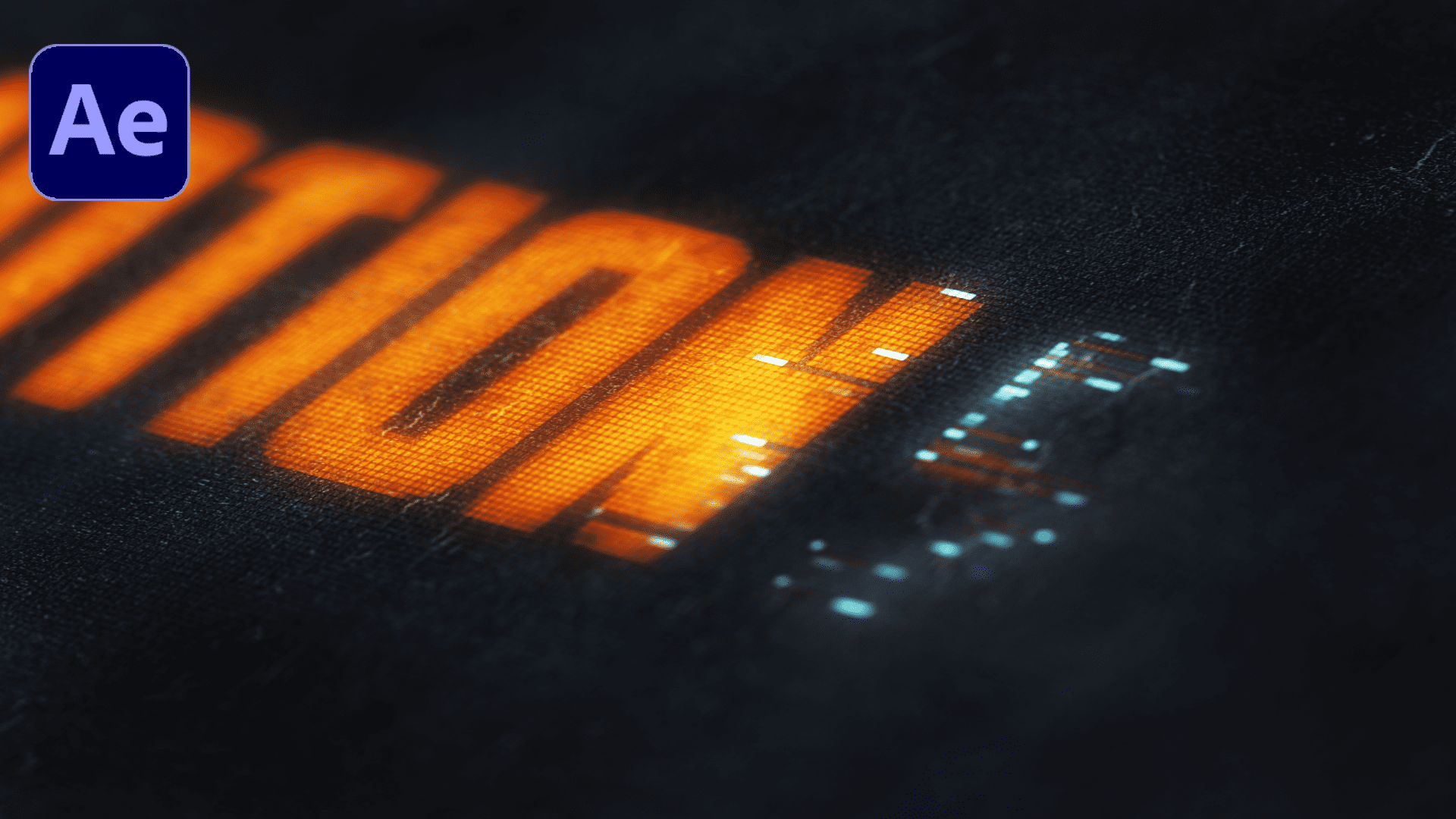

Cinematic Pixelation

Premiered On: 5th July 2023 | Runtime: 46 mins
By Rakesh Singh


Youtube Statistics

  Total Views


9,115

  Likes


413

  Comments


39

  Project File Downloads


1,150
  Statistics are retrieved from YouTube and may not reflect real-time data.


U

nlock the secrets of cinematic pixelation in Adobe After Effects with this comprehensive tutorial. Whether you want to create stylized transitions, glitch effects, or artistic overlays, this guide takes you through the entire process step by step. You’ll learn techniques that make your visuals more dynamic and professional, while discovering creative ways to enhance your projects. Perfect for motion designers, video editors, and anyone looking to add a unique flair to their videos, this tutorial makes complex effects simple and easy to apply. Along the way, you’ll explore tips and tricks that save time and improve efficiency, while understanding how to integrate these effects seamlessly into your existing projects. By the end, you’ll have the skills to create cinematic, eye-catching visuals that captivate your audience and elevate your storytelling.


🎬 What You'll Learn:

• Techniques for achieving cinematic pixelation effects.

• Utilizing built-in After Effects tools and plugins.

• Tips for integrating pixelation seamlessly into your projects.

• Creative applications for enhancing your video content.


Why should I watch this tutorial?

This tutorial is perfect for motion designers, video editors, and visual storytellers looking to add a unique flair to their work. Whether you're enhancing a music video, creating a glitchy intro, or experimenting with abstract visuals, mastering pixelation can elevate your content.


🔗 Related Resources:

• Link to After Effects project file or assets

• Link to other tutorials in the series


Stay Connected:

• Subscribe for more tutorials and creative insights.

• Follow us on social media links for updates and community discussions.


Tagged: After Effects


Project File Information
AttributesValues
File NameCinematic Pixelation
File TypeZIP File
Resolution1920 X 1080 (Full HD)
Assets IncludedYes
File Size3.6 MB
After Effects Version CompatibilityAE 2020 & above
Created Date2023-07-05
Last Modified Date2023-07-24
Support AvailabilityYes
Uploaded ByMotion Street


⁕ ⁕ ⁕ ⁕ ⁕ ⁕

Leave a Comment


Thank you for dropping a comment! We appreciate your valuable feedback. 😊

What Other People Think...

Total Comments: 3


Skhu
Hi, I can't get the link in my mail. Only a verification code so can you assist on that please
2 years ago • India • #127
Ravi Shankar
Nice Work Bro
2 years ago • India • #91
Jack Dawson
This is really cool. Thanks for the project file.
2 years ago • India • #87


Dive Into a Sea of Creativity...


Colorful & Dynamic OpenerProject includes video tutorial, even if you first time run program after effects you can easily complete job. Just drop your image or video, edit the text, add audio and enjoy the result!Motion Street
Repeated Patterns BackgroundsLet's take a look on how we can create a repeated patterns backgrounds using only a single layer inside After Effects without any third party plugins.Motion Street
Edit Like Magnates Media (Episode 1)Let's break down the core techniques used by Magnates Media, focusing on creating a Coca-Cola animation with fluid and kinetic motion graphics.Motion Street
James Bond Dots ThemeUnleash your inner spy with our template, inspired by the adrenaline-pumping action of James Bond - No Time to Die, and elevate your projects to cinematic heights.Motion Street
Edit Like Magnates Media (Episode 2)In the second episode, we dive into advanced transitions and cinematic timing to elevate the Coca-Cola inspired animation with a bold, dynamic finish.Motion Street
Digital BackgroundsLearn how to craft creative digital backgrounds in just minutes without any plugins, transforming your designs with stunning visual flair and ease.Motion Street
Create Better Motion Graphics Like VoxUnlock the secrets behind Vox's eye-catching animations and learn how to apply them to your own videos effortlessly.Motion Street